
The SoCreate Weekly Museletter
Compact View, Incredible SoCreate Stories, & a Fresh New Writing Challenge!
Hello SoCreators!
Kickstart your week with our latest Museletter! Dive into exciting new features, must-read blogs, and an enticing writing challenge that's calling your name. Ready to jump in? Let's go!
New Feature Alert! Your Story Stream Just Got More Compact
At SoCreate, we’re led by YOUR feedback and needs, and our new Compact View is a direct result of your requests!
Compact View lets you see more of your script on the screen at once, so you get a wider viewpoint of what’s happening in each scene. Less scrolling, faster scanning, and as always – no flipping pages!
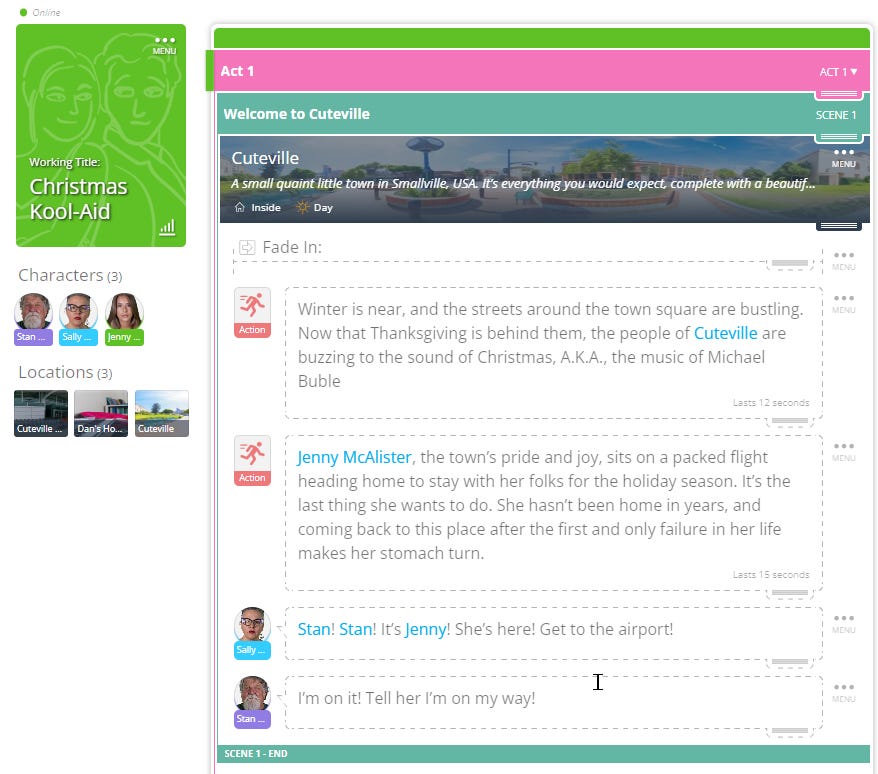
SoCreate will auto-detect your screen’s height and make adjustments to the height of your Dialogue and Action Stream Items accordingly. This way, you’ll see more Dialogue and Action at once.
Have You Heard? Upload Your Own Images for Characters, Locations, Title Cards, & More!
Can you believe it’s been a few weeks since we launched the incredible feature that allows you to upload your very own images for Characters, Locations, Action, and Title Cards in SoCreate? We've been having a blast experimenting with this feature on our SoCreate Team accounts, and the results? Absolutely stunning!
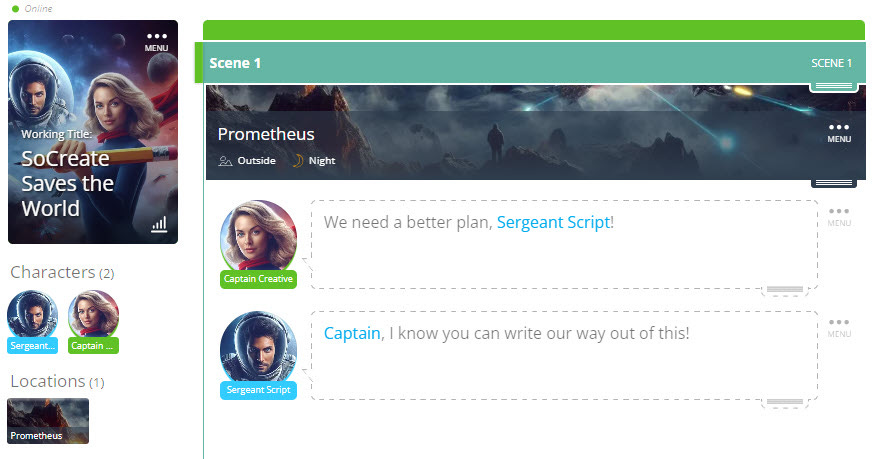
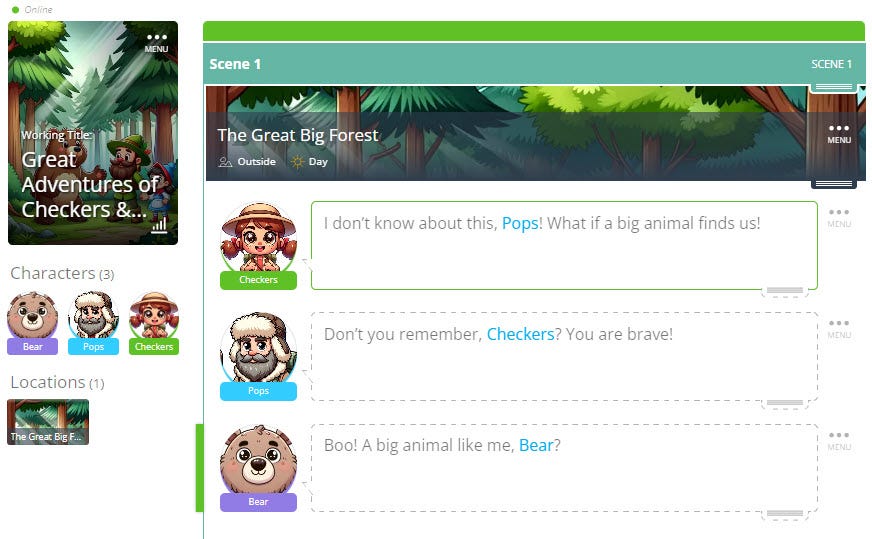
Here are some fun examples.
Title: SoCreate Saves the World
Title: Great Adventures of Checkers & Pops
Title: Funny Business
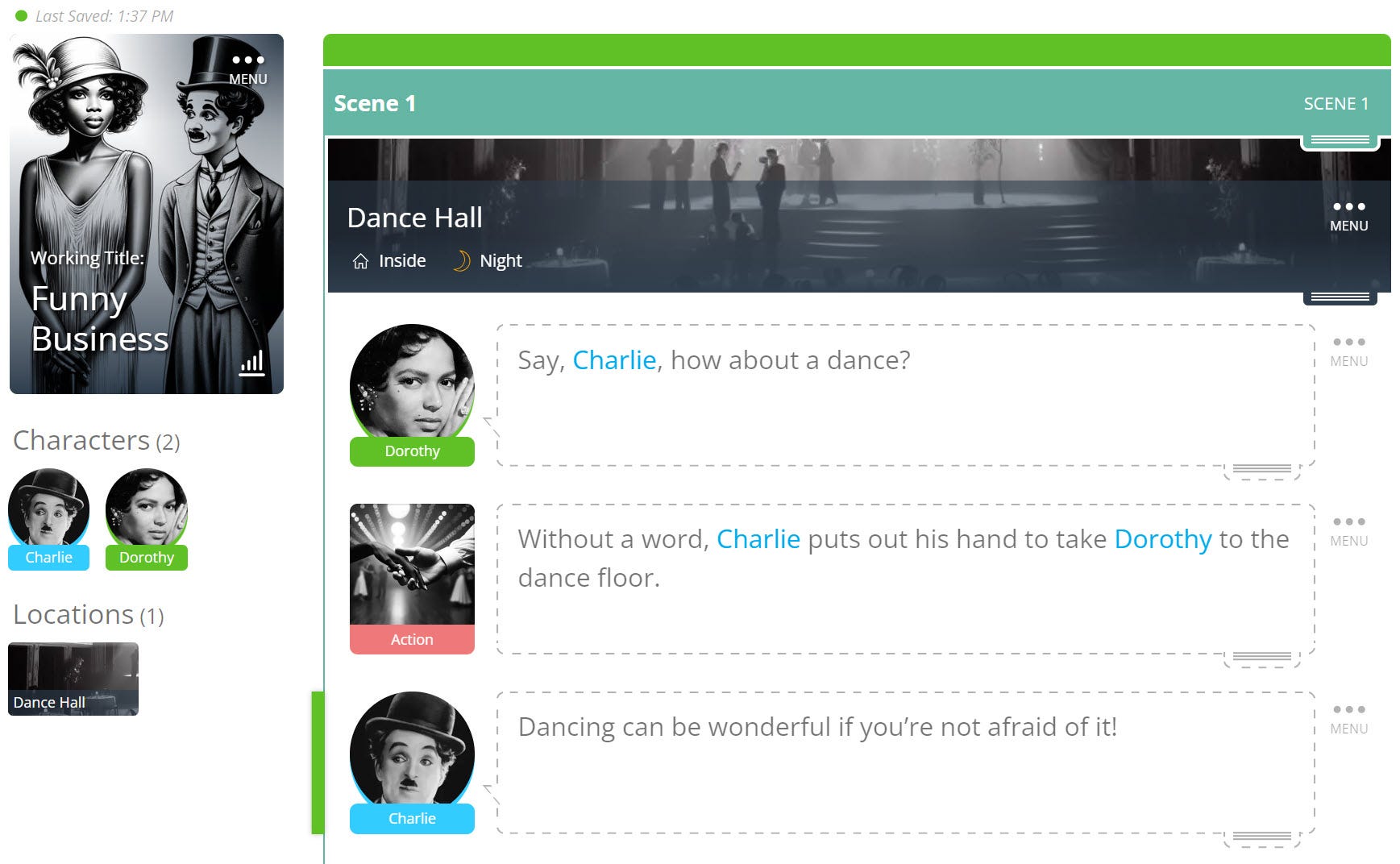
Here at SoCreate, we've seen firsthand the power of incorporating personalized imagery into our screenwriting process. It's like unlocking a whole new level of creativity and connection to our stories. The worlds we create are more vibrant, and our characters feel like old friends. We're not just writing; we're visually storytelling, and it's transformative!
Why should you jump on board and start adding imagery to your SoCreate script? Well, it's simple:
Bring Your Unique Vision to Life: With the ability to upload your own images, you’re no longer confined to our image library. Your story, your visuals!
Enhance Your Writing Experience: Imagery isn’t just a pretty addition; it’s a powerful tool. It breathes life into your script, keeps you grounded, and ensures that every character and location is exactly as you envisioned.
Stay Connected: Feel the essence of your story like never before. Immerse yourself in your creative world and stay connected to every element of your script.
Control Your Story’s Aesthetic: Why wait for production to see your story come to life? Take control now and define the look and feel of your world.
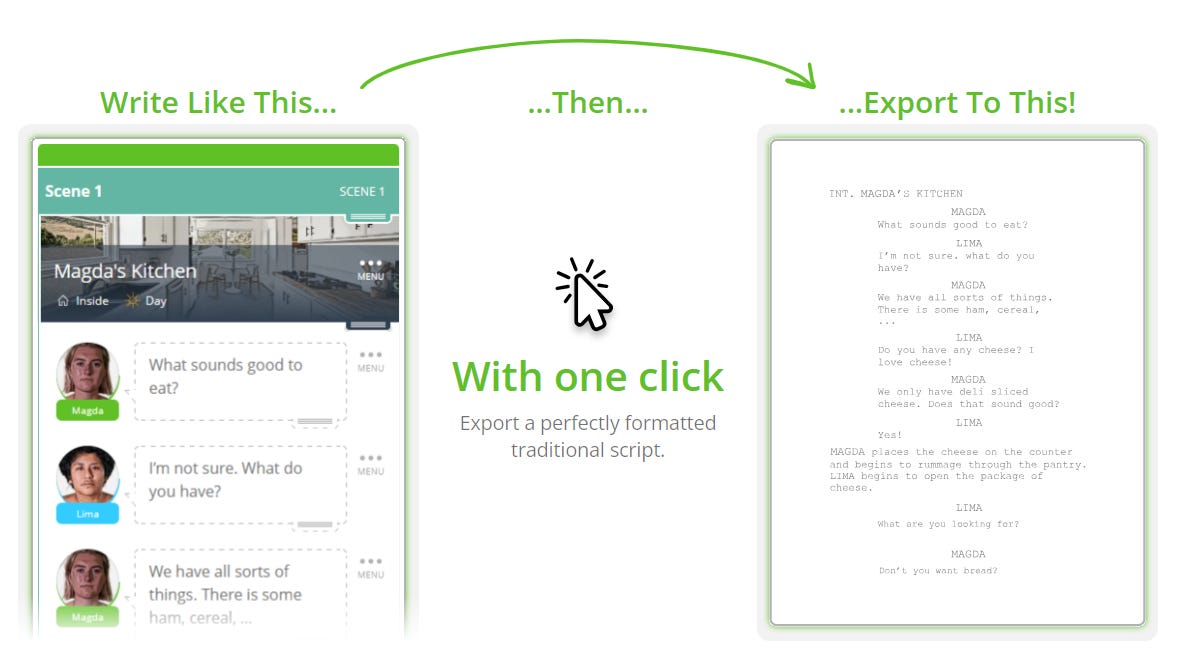
Remember, the images you add in SoCreate are just for you—they won’t appear in the professional screenplay format when you export your script. They’re here to inspire you, to reignite your passion for your story every time you open your script, and to provide an unparalleled immersive writing experience.
So, what are you waiting for? Dive in, start experimenting with imagery, and watch as your script transforms before your eyes. Your creative process will never be the same again! 🚀
Exploring This Week’s Featured Blogs

Short Film Success with SoCreate: Dive into the world of short film screenwriting with our step-by-step guide, exclusively crafted to help you master SoCreate Screenwriting Software. From ideation to final touches, we’ve got you covered! Ready to bring your short film vision to life? Explore the Guide here.

Character Creation Mastery: Unravel the art of creating memorable characters in your screenplay with our insightful blog. Discover the essential components and techniques that breathe life into your characters, making your story unforgettable. Begin your character creation journey here.

Character Arcs Decoded: Elevate your storytelling with our deep dive into character arcs, complete with examples to guide your way. Understand the transformative journey your characters need to undertake for a compelling narrative. Transform your characters here.

Our SoCreate writing challenges are designed to stretch your imagination and hone your screenwriting skills while teaching you a trick or two in SoCreate Writer. Dive in, and remember, there's a new challenge waiting for you every week!
Location: INT – Shopping Mall – Day
Characters: Victoria; Aarin
Scene Description: Victoria (25) and Aarin (25) window shop at the mall, which has decked the halls for the holiday season. Both tote many shopping bags and appear to be well-off 20-somethings having the time of their lives until Victoria sees a large decorative fountain in the center of the walkway ahead.
Prompt: Write a scene where the fountain prompts a flashback for Victoria that reveals that her pulled-together, successful life may just be an illusion. Use SoCreate’s Flashback Transition to indicate where the flashback begins and ends in your script. Let the flashback reveal something shocking about Victoria’s past that somehow involves that decorative fountain.
Extra Credit: Use @Mentions! If your character needs to mention another character, location, or prop that already exists in your story in its dialogue, type the ‘@’ sign to bring up the Quick Add tool to @mention that character, location, or prop. For example, if character Aarin is talking about the character Victoria holding the prop Umbrella outside the location Shopping Mall, Mention @Victoria, the @Umbrella, and the @Shopping Mall. By doing this, all of these mentions will be automatically updated if their details change as your story evolves. For example, if Victoria is mentioned 30 times in your story throughout Action, Dialogue, and Notes but you want to change her name to Sharon, you'd only have to change her name in one place, one time, and SoCreate updates Victoria to Sharon wherever she is @mentioned.
Just a quick reminder: we're here to back you up in your pursuit of screenwriting success. Your stories matter, and we're in your corner, rooting for you!
See you next week,
<3 Your friends at SoCreate
Ignite your screenwriting with SoCreate, the easiest way to create a blockbuster screenplay!